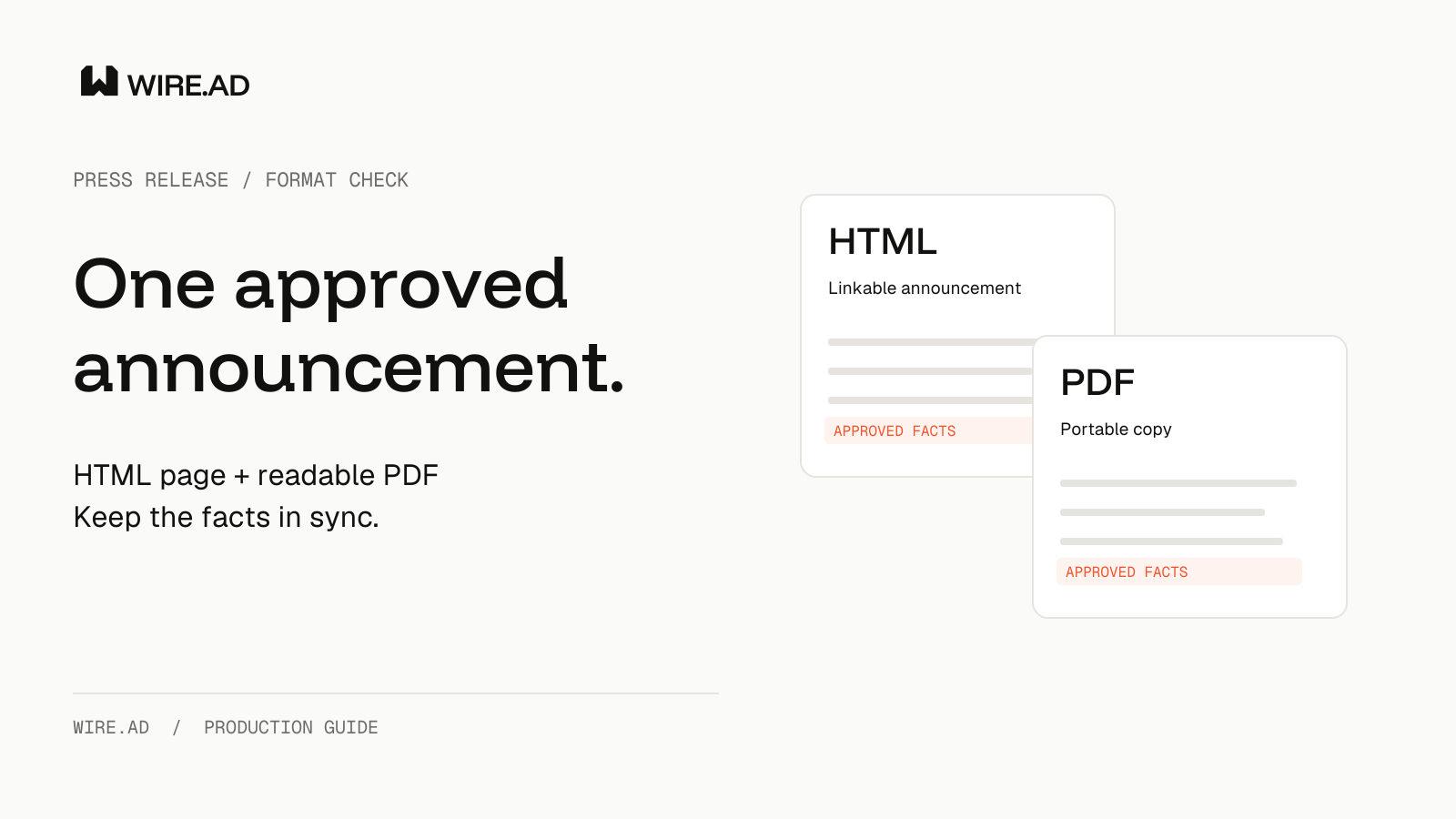
An HTML press release and a PDF download can serve different readers while carrying the same approved announcement. Publish a readable web page for direct linking and a versioned PDF when a portable document is useful. Before distribution, compare the actual public files so a correction, eligibility limit or source link survives both formats.
Give the web page a clear job
Use the HTML page as the destination a reader can open from the announcement. Put the substantive text on the page, alongside the date, source links and any material limitations. A button that downloads a document leaves the surrounding web page with little announcement content of its own.
Google lists both HTML and PDF among indexable file types. A PDF extension alone therefore does not explain an indexing problem, and choosing HTML does not guarantee a ranking or an AI citation. Inspect the content and access of each URL before drawing a conclusion about the format.
For the production brief, name the destination URL and the purpose of the download separately. “Link to the announcement; offer a printable copy” is easier to implement and verify than “put the PDF online.”
Keep readable text in the PDF
A PDF exported as page images can look finished while losing usable text. The W3C’s PDF7 technique explains why scanned text images are inaccessible and describes OCR as a way to recover actual text. Its checks include verifying completeness and reading order.
Start from the editable source where possible. After export, select and copy a paragraph, inspect the extracted words and review the reading sequence. These are useful production checks, not a complete accessibility certification. For charts or meaningful illustrations, also carry the explanation a reader needs; the image accessibility checklist covers the separate jobs of alt text and captions.
Pay particular attention to names, currency symbols and qualification language after conversion. A missing word in a limitation can change the meaning of a claim even when the page still looks tidy.
Agree how equivalent versions relate
When substantially equivalent HTML and PDF versions are both public, ask the technical owner which URL should be preferred in Google Search. Google’s canonical guidance allows a canonical Link response header for non-HTML documents. Canonical preferences are signals, and Google can select another version.
This is a server response setting, not a line to type visibly into the PDF. Do not treat a hyperlink inside the document as equivalent to the HTTP header. Have the technical owner inspect the served response and the preferred page before recording the setup as complete.
Use this approach for equivalent versions of the same announcement. A longer research paper and a short release may have different purposes and content; do not declare one a duplicate simply because they discuss the same product. The syndication and canonical guide addresses the separate question of copies on other publishers’ domains.
Compare the files before release
Use an approved text version as the comparison baseline. Check the headline, announcement date, release stage, availability, amounts and the qualifications attached to each claim. Then open the outgoing links from the actual public files. The working document and the uploaded export can differ.
Record the HTML URL, PDF URL, approved version identifier and check time together. Give the PDF a meaningful version label so an editor can identify the attachment without relying on an inbox search. Keep an internal owner for replacing or withdrawing an obsolete download.
For a hypothetical product update, the HTML page might say that a preview is open to existing customers in specified markets. The PDF must preserve those conditions. A shorter layout is not a reason to turn that sentence into a general-availability claim.
Handle corrections across both formats
When a material fact changes, locate every format you control before sending a correction request. Update the web page and decide whether the downloadable document also needs replacement. Preserve the original announcement date and explain a substantive correction where appropriate.
After replacement, download the public PDF again and compare it with the intended revision. A successful upload message only establishes an upload attempt’s result; the reader’s file is the final check. Follow the correction workflow for copies already distributed to outlets.
Questions to put in the brief
Ask which URL the campaign should link to, whether the PDF contains usable text, who verifies the public response settings and who owns corrections in both formats. A useful answer identifies an exact destination, an inspected file and a person responsible for follow-up.
Keep distribution evidence distinct from search performance. A live HTML page and a verified PDF can demonstrate that the approved announcement is available. Rankings, visits and AI citations need their own observations.
Sources checked October 20, 2026. The production workflow is an editorial recommendation. The product example is hypothetical.